
In the world of live TV streaming, two services dominate the conversation: Sling TV and Hulu + Live TV.
Both are strong alternatives to traditional cable TV, offering a more flexible, customizable, and affordable option for viewers who want to cut the cord.
However, these services differ significantly in their content offerings, pricing, features, and overall user experience.
In this article, we’ll provide a comprehensive comparison of Sling TV and Hulu + Live TV, exploring their features, pricing, customer support, and more to help you decide which one is the best fit for you.
Sling TV: The Budget-Friendly Streaming Option
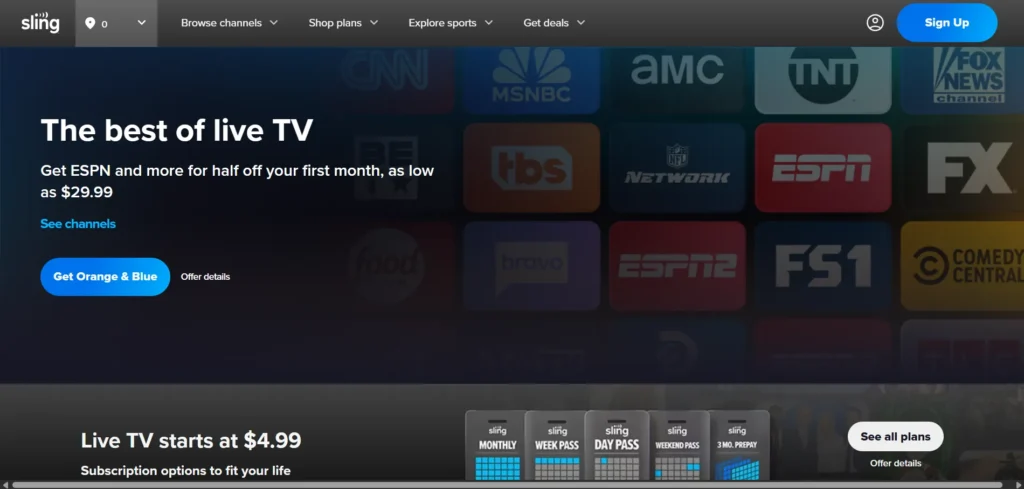
Sling TV was one of the first services to offer a live TV streaming option for cord-cutters. Launched in 2015 by Dish Network, Sling TV’s primary appeal is its affordability.
It provides a more affordable way to access live television by offering customizable channel packages, allowing users to select only the content they want.
Sling TV offers two basic packages, Sling Orange and Sling Blue, which focus on different types of content, from sports to entertainment.
Both of these packages are reasonably priced, with Sling Orange starting at $19.99 per month, and Sling Blue priced at $25 per month.
The key advantage of Sling TV is its flexibility. Users can combine both plans for $40 per month, or they can customize their experience by adding on channels or features such as sports packages or premium content.
Hulu + Live TV: The Comprehensive Streaming Solution
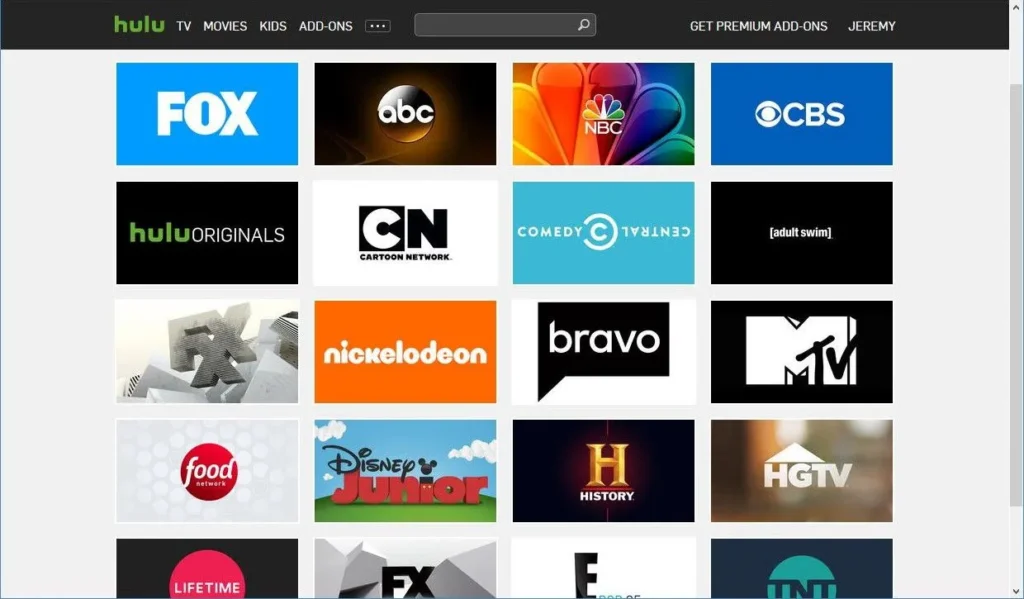
Hulu + Live TV is a more robust service that combines live TV with Hulu’s extensive on-demand content library. Launched as part of Hulu’s effort to become a one-stop shop for entertainment, Hulu + Live TV is priced higher than Sling TV but offers a more comprehensive experience.
Hulu + Live TV provides access to over 90 live channels, including major networks like ABC, NBC, FOX, and CBS, along with sports, entertainment, and news channels.
The service also includes Hulu’s on-demand streaming library, which features thousands of movies, TV shows, and exclusive content like The Handmaid’s Tale and Only Murders in the Building. Hulu + Live TV also bundles in access to Disney+ (with ads) and ESPN+, making it a more attractive option for families or sports enthusiasts.
Features Comparison
1. Channel Lineup and Content Variety
Sling TV:
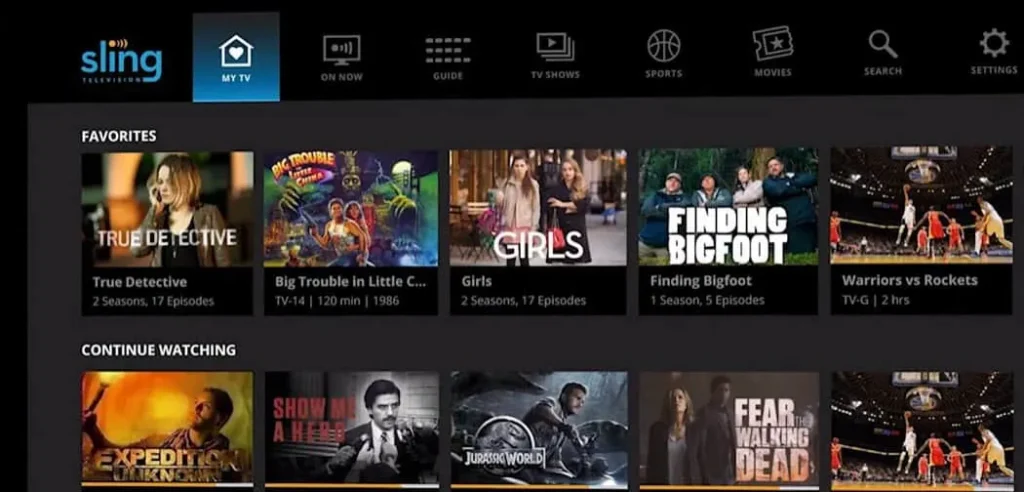
- Sling TV offers a more basic channel lineup compared to Hulu + Live TV, but it’s highly customizable. Sling Orange offers around 30 channels, while Sling Blue offers about 40 channels. If you choose to combine both plans, you get access to a wider range of content for $40 per month.
- Sling TV is a great choice for those who don’t need a huge selection of channels but still want access to popular networks like ESPN, CNN, and AMC. The service also offers a variety of add-on packages, such as sports channels and premium content (like HBO and Showtime), allowing you to tailor your experience.
Hulu + Live TV:
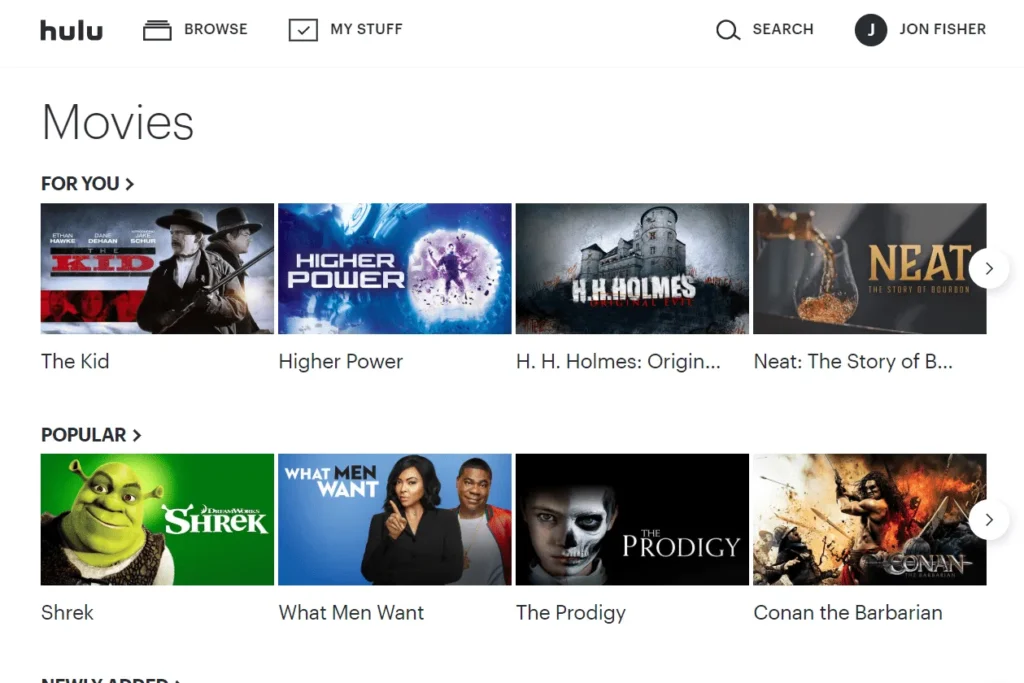
- Hulu + Live TV provides access to over 90 live channels, including the big networks such as ABC, CBS, NBC, FOX, and major cable channels like CNN, MSNBC, and HGTV. This extensive lineup makes Hulu + Live TV a comprehensive alternative to traditional cable TV.
- In addition to the live TV offerings, Hulu + Live TV includes access to Hulu’s on-demand library, which is one of the most expansive in the industry. Users can also enjoy bundled access to Disney+ and ESPN+, which adds significant value to the subscription, especially for families or sports fans.
Verdict: If you want a wide variety of live TV channels and additional on-demand content, Hulu + Live TV is the winner. Sling TV is better suited for users who want a more affordable option with the ability to customize their channel lineup.
2. DVR and On-Demand Features
Sling TV:
- Sling TV offers cloud DVR functionality, but it comes with limitations. The basic Sling package provides 50 hours of DVR storage, which may be enough for light users. If you need more storage, you can upgrade to the DVR Plus plan, which provides 200 hours of storage for an additional $5 per month. For those who want unlimited DVR storage, there is an additional add-on, but this extra cost can quickly add up.
- Sling TV has a limited on-demand library compared to Hulu. It offers some on-demand content but focuses more on live TV. If you’re looking for a comprehensive on-demand library, Sling may not meet your needs.
Hulu + Live TV:
- One of the standout features of Hulu + Live TV is its unlimited DVR. Users can record as many shows or movies as they want, with no additional charges for storage. Recorded content is kept for up to nine months, which is more generous than most competitors in the streaming space.
- Hulu + Live TV also gives you full access to Hulu’s on-demand content library. This includes current TV episodes, classic shows, movies, and Hulu originals. The combination of live TV and a robust on-demand library makes Hulu + Live TV an all-in-one entertainment solution.
Verdict: Hulu + Live TV excels with its unlimited DVR and expansive on-demand content library. If you record a lot of content or prefer to watch on-demand, Hulu offers a better experience.
3. Device Compatibility and Streaming Quality
Both Sling TV and Hulu + Live TV support a wide variety of devices, including smart TVs, streaming devices (Roku, Apple TV, Fire TV), gaming consoles (PlayStation, Xbox), smartphones, and tablets.
They are both compatible with the major operating systems (iOS, Android), and you can also stream on web browsers.
In terms of streaming quality, both services offer HD-quality video, typically streaming live TV at 720p, with on-demand content reaching up to 1080p in some cases.
There is no significant difference in video quality between the two services, though the experience may vary based on your internet connection.
Sling TV:
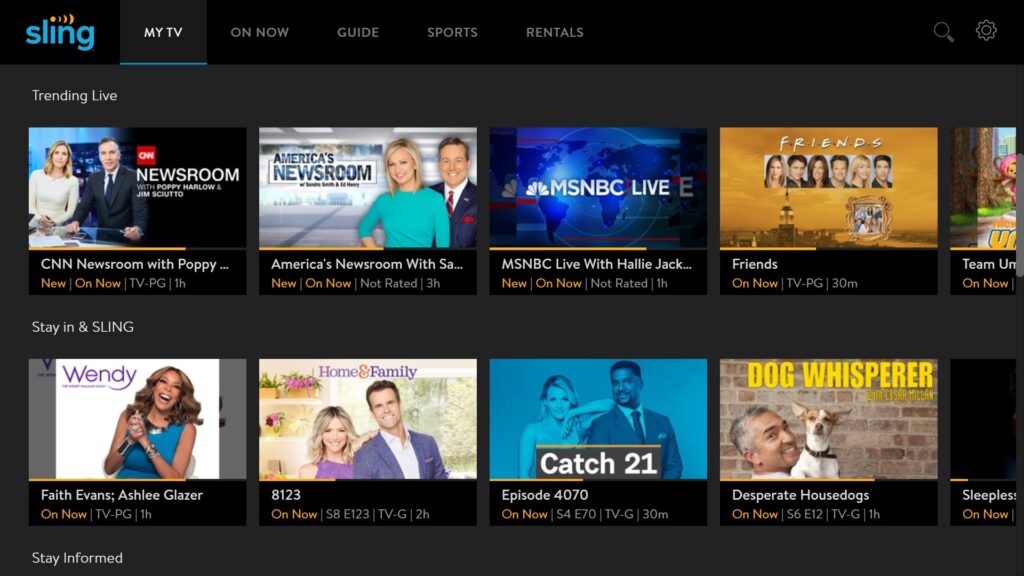
- Sling TV is more flexible when it comes to simultaneous streaming. Depending on the plan, users can stream on one to four devices at a time. For instance, Sling Orange allows for one simultaneous stream, while Sling Blue offers up to three streams. If you combine both plans, you can stream on up to four devices at once.
- However, if you need more simultaneous streams, you’ll need to purchase an add-on that provides extra streams, which can increase the overall cost.
Hulu + Live TV:
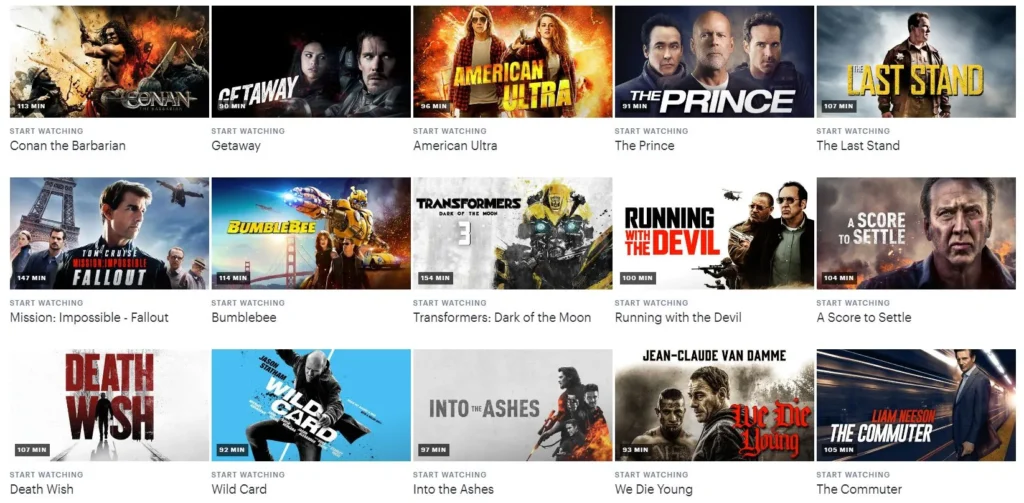
- Hulu + Live TV offers 2 simultaneous streams by default. If you have a larger household or want to stream on more devices at once, you can purchase the “Unlimited Screens” add-on, which allows streaming on multiple devices simultaneously within your home.
- Both services support streaming on the most popular devices, so it’s more about your needs for simultaneous streams and whether or not you need to pay extra for more flexibility.
Verdict: Sling TV is better for those who need multiple simultaneous streams without purchasing add-ons, while Hulu + Live TV’s default 2 streams may be limiting unless you purchase the unlimited streams add-on.
Pricing Comparison
Pricing is one of the most important factors when choosing between Sling TV and Hulu + Live TV. Here’s how the pricing compares for both services:
Sling TV Pricing:
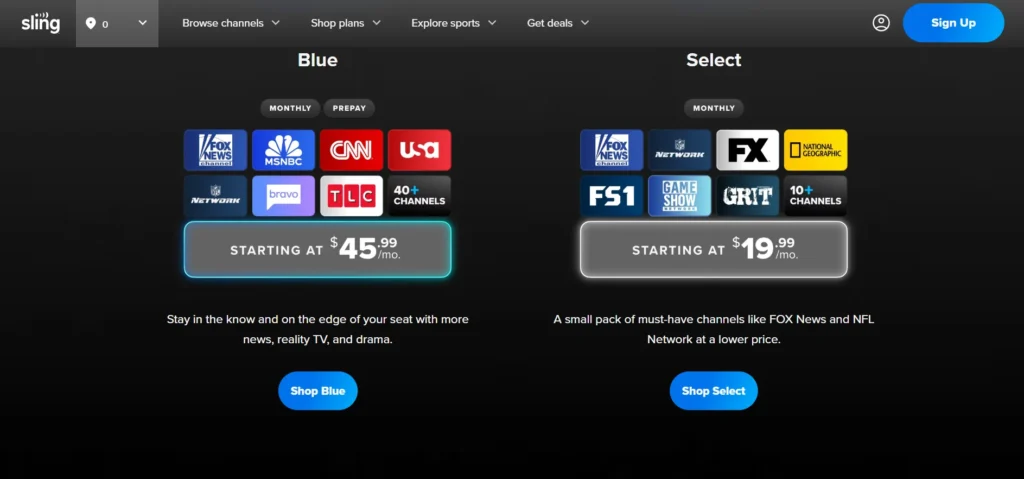
- Sling Orange: $19.99 per month
- Sling Blue: $25 per month
- Sling Orange + Blue Combo: $40 per month
- Add-ons: Channels like HBO, Showtime, and sports packages can add $5-$15 per month each.
- DVR: Basic DVR is included with 50 hours of storage; DVR Plus (200 hours) is an additional $5 per month.
Hulu + Live TV Pricing:
- Hulu + Live TV (with ads): $64.99 per month
- Hulu + Live TV (without ads): $70.99 per month
- The price includes access to over 90 live channels, Hulu’s on-demand content library, and bundled access to Disney+ and ESPN+.
- Add-ons: Premium channel bundles, like HBO, Showtime, and Cinemax, are available for additional fees.
Verdict: Sling TV is the more budget-friendly option, with plans starting at just $19.99 per month.
However, if you want a more comprehensive service with more channels and additional on-demand content, Hulu + Live TV is worth the higher price tag.
Customer Support Comparison
When it comes to customer support, both services provide standard options, such as phone support, live chat, and online help centers.
However, the quality of customer service can vary, with some users reporting longer wait times for assistance with Sling TV.
Sling TV:
- Offers customer support via live chat, phone, and email. While Sling’s support is generally responsive, it can take a bit longer to get a resolution for more complex issues.
- The online help center is helpful for finding answers to common questions, but it may not be as comprehensive as Hulu’s.
Hulu + Live TV:
- Hulu’s customer support is generally well-regarded, with multiple support channels available. It offers phone support, live chat, and social media assistance.
- Hulu’s support team is typically faster and more responsive than Sling TV’s, with many users reporting positive experiences.
Verdict: Hulu’s customer support is generally more responsive and efficient than Sling TV’s. If customer service is a key consideration for you, Hulu has the edge.
Pros and Cons
Sling TV
Pros:
- Budget-friendly with customizable channel packages.
- Flexible options for adding channels and features.
- Good for light TV watchers who don’t need a large selection of channels.
- Multiple streaming options available (up to 4 streams with add-ons).
Cons:
- Limited channel lineup compared to Hulu + Live TV.
- On-demand content is minimal.
- DVR storage is limited unless you pay for an upgrade.
- Additional costs for premium channels and add-ons.
Hulu + Live TV
Pros:
- Comprehensive package with access to over 90 channels.
- Unlimited DVR storage included with the plan.
- Access to Hulu’s extensive on-demand library, along with Disney+ and ESPN+.
- Excellent for households with multiple users and various viewing needs.
Cons:
- Higher monthly cost compared to Sling TV.
- Limited simultaneous streams (2 by default).
- Interface can feel cluttered due to the large amount of content.
Conclusion
Sling TV and Hulu + Live TV are both solid choices for live TV streaming, but they cater to different types of viewers.
- If you’re looking for a budget-friendly service with a customizable channel lineup, Sling TV is the way to go. It’s ideal for people who don’t need a ton of channels and want to keep costs low.
- If you want a more comprehensive service that includes live TV, on-demand content, and additional bundled services like Disney+ and ESPN+, Hulu + Live TV is a better option, though it comes at a higher price.
Ultimately, the right choice for you depends on your budget, content preferences, and how much live TV and on-demand content you want access to.
FAQs
Is Hulu + Live TV worth the price?
Yes, if you want a comprehensive streaming experience with over 90 live TV channels, unlimited DVR, and access to Hulu’s on-demand library, along with Disney+ and ESPN+.
It offers a lot of value for the price, especially for families or sports fans.
Can I use Sling TV for just a few channels?
Absolutely! Sling TV is highly customizable, allowing you to choose basic packages and add on extra channels as needed.
It’s perfect for those who only want a handful of channels and don’t want to pay for a large bundle.
How many simultaneous streams can I watch with Sling TV?
It depends on the package. The Sling Orange plan allows for 1 stream, while Sling Blue allows 3 streams. If you combine both plans, you can stream on up to 4 devices simultaneously.
Does Hulu + Live TV include on-demand content?
Yes, Hulu + Live TV includes Hulu’s entire on-demand library, which offers a huge selection of TV shows, movies, documentaries, and Hulu Originals, along with live TV channels.
Can I upgrade my Sling TV or Hulu Live plans?
Yes, both services offer flexibility. With Sling TV, you can upgrade your plan or add more channels and features.
Hulu + Live TV also allows you to upgrade for additional features like ad-free streaming or unlimited simultaneous streams.


