

If you’ve been thinking about replacing cable with a smoother and more flexible streaming setup, Hulu + Live TV is one of the most popular choices.
It offers a mix of live television, sports, news, movies, and shows, all inside one app. Many people choose it because it feels like cable without the box, the wires, or the messy contracts.
But if you’re new to streaming or switching from traditional TV, it can feel a little overwhelming at first.
This guide will walk you through everything you need to know about installing, setting up, and using Hulu + Live TV.
I’ll also break down what reviewers and everyday users like about it, what they don’t, and the best ways to get the most out of your subscription.
Think of this as a friendly walkthrough from someone who has spent a lot of time reading expert reviews, comparing streaming services, and using live TV platforms firsthand.
What Exactly Is Hulu + Live TV?
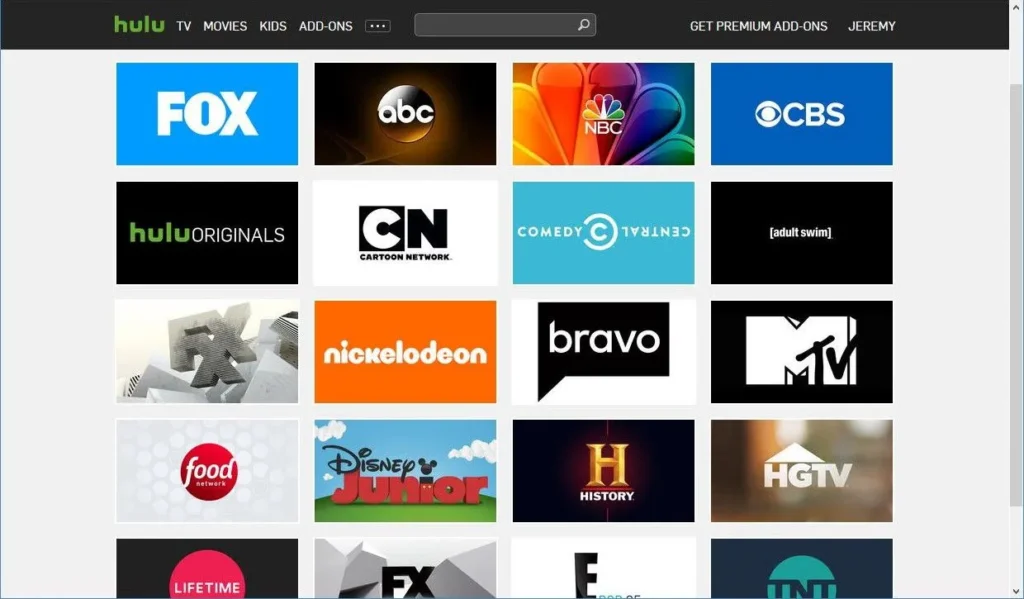
Hulu + Live TV combines the regular Hulu streaming library with a full set of live television channels. You get two parts:
1. Live TV – This includes sports, news, entertainment channels, local network channels, and many national cable-style channels.
2. On-demand Hulu library – This includes Hulu Originals, popular series, movies, documentaries, kids’ shows, and past seasons of many network programs.
The biggest reason people pick this service is convenience. Instead of juggling multiple subscriptions, you get live programs, on-demand shows, and cloud DVR recording in one app.
For many households, this becomes their main TV source. No cable box. No long-term contract. And no waiting for a technician to visit your house.
How to Install Hulu + Live TV
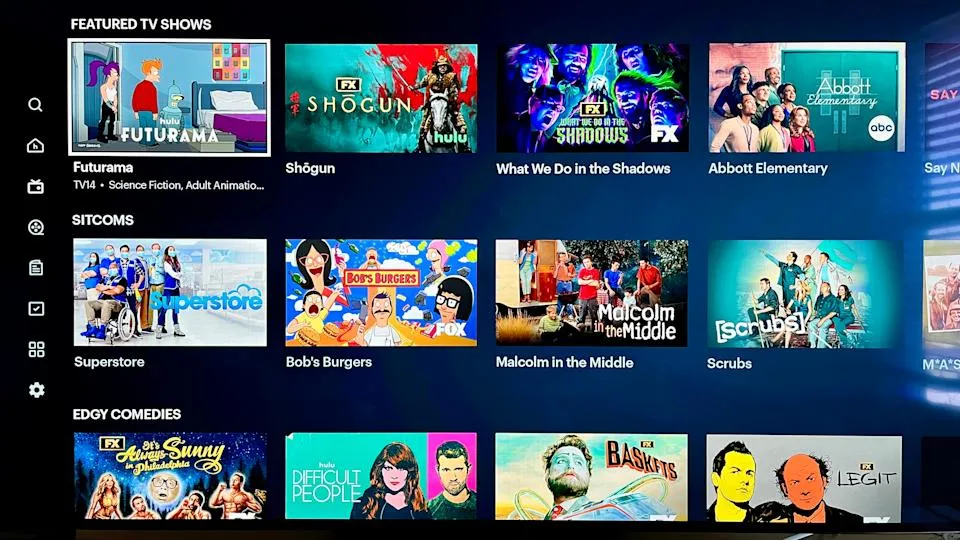
Setting up Hulu + Live TV is usually quick. The process depends on the device you’re using, but the steps are similar across platforms.
Below is a simple guide to get you started.
Step 1: Sign Up for Hulu + Live TV
If you don’t already have an account:
- Go to the Hulu website or open the Hulu app.
- Choose the Live TV plan.
- Create an account with your email, password, name, and birthdate.
- Add your payment method.
- Complete the setup.
If you already have a regular Hulu subscription:
- Log in.
- Go to your account settings.
- Upgrade your plan to a Live TV bundle.
Once the subscription is active, your access to live channels begins immediately.
Step 2: Make Sure Your Device Is Compatible
Hulu + Live TV works on a ton of devices. In most homes, at least one of these devices is already ready to use.
Compatible devices include:
- Smart TVs
- Streaming sticks (like Roku, Fire TV, Apple TV, and others)
- Gaming consoles
- Laptops and computers
- Tablets
- Smartphones
As long as your device can run the Hulu app or a modern web browser, you’re good to go.
Step 3: Install the Hulu App
If you’re using a device like a smart TV, streaming stick, game console, tablet, or phone, simply:
- Open your device’s app store.
- Search for “Hulu.”
- Click install.
- Login with your Hulu email and password.
If you’re using a web browser:
- Visit Hulu’s official website.
- Log in.
- Click on the Live TV tab.
No special equipment or cables required.
Step 4: Explore the Live TV Interface
Once you’re logged in, you’ll notice several sections:
Live TV tab: This is the section that shows channels currently airing live programs.
Channel Guide: This is a full schedule of what’s playing now and what’s coming up.
My Stuff: This is where you’ll find your recorded shows, favorite channels, and anything you’ve saved.
Home screen: This shows a mix of live recommendations and on-demand picks.
At first, the layout may seem busy, but after a day or two, most users find it intuitive.
How to Use Hulu + Live TV
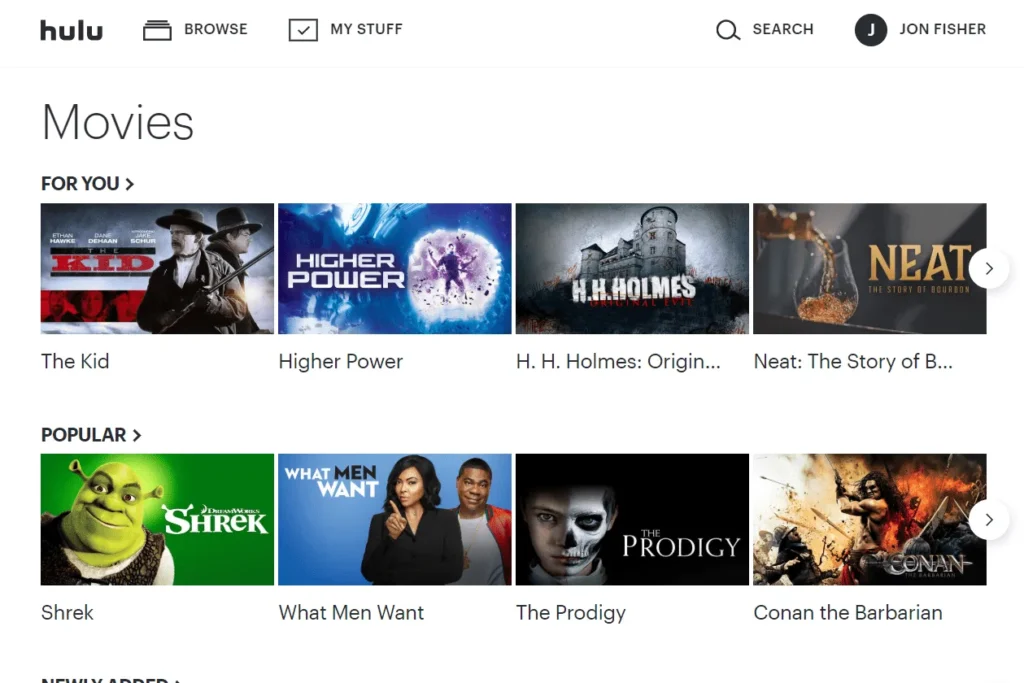
Now that you have everything installed, let’s walk through how to use the main features.
Watching Live Channels
To watch live TV:
- Open the Hulu app.
- Select the “Live TV” or “Live” tab.
- Browse the channels or scroll through what’s playing.
- Click on the program you want to watch.
You can flip between channels, pause live programs, or rewind depending on the channel and content rights.
Using the Channel Guide
The guide is the closest thing to traditional cable.
Here’s what you can do with it:
- View live shows
- See upcoming shows
- See what’s playing on every channel
- Select something to watch now or record for later
If you prefer the cable viewing experience where you scroll left and right through a lineup, you’ll likely use the guide often.
Recording Shows with Cloud DVR
Hulu + Live TV includes cloud DVR, which lets you record shows and watch them later.
To record:
- Open the information page of any show or sports event.
- Click “Record.”
- The recording will appear in “My Stuff.”
You can record full series, upcoming seasons, or specific episodes. Recordings stay available for several months, giving you plenty of time to catch up.
Watching On-Demand Content
On-demand content is one of the biggest advantages you get with Hulu + Live TV.
Here’s what you get access to:
- New episodes of current network shows
- Many full seasons
- Movies
- Hulu Originals
- Kids shows
- Documentaries
Switching between live TV and on-demand is as simple as moving between the “Live” and “Home” tabs.
Creating Profiles for Different People
Hulu lets you create multiple profiles under the same account.
Profiles allow each person to have their own:
- Watchlist
- Recommendations
- Viewing history
- Parental controls
This helps keep your viewing experience clean and personal.
Managing Simultaneous Streams
Depending on your plan, you get a limited number of streams at once. That means you can only watch Hulu on a certain number of devices at the same time.
If your household has many people watching TV separately, you may need an add-on that increases the stream limit.
What Reviewers and Users Say About Hulu + Live TV
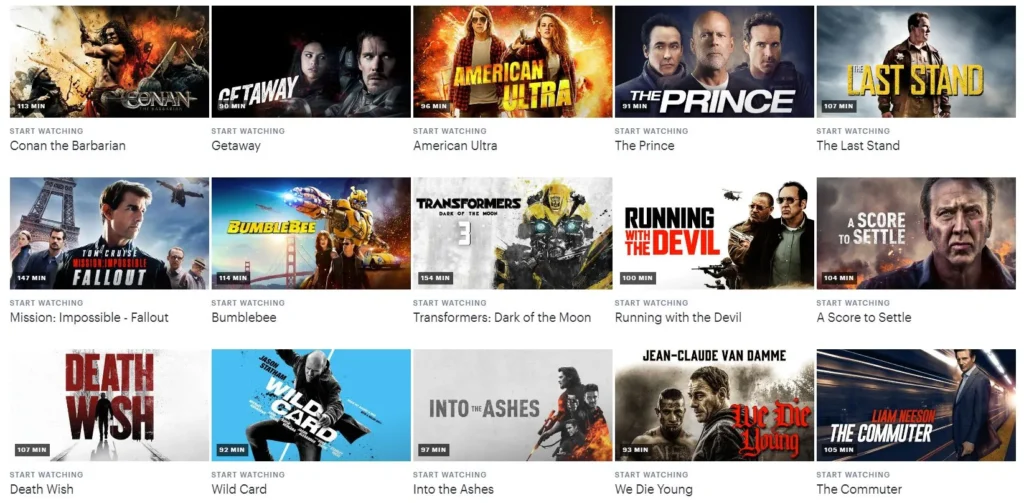
After analyzing many expert reviews and user comments, here’s a clear look at the strengths and weaknesses of Hulu + Live TV.
The Biggest Advantages
1. An All-in-One Solution
Reviewers consistently mention that Hulu + Live TV combines so much content into a single app that it stands out from other platforms. You can switch from a live football game to a movie in seconds.
2. Strong On-Demand Library
Hulu’s on-demand catalog is one of the best in streaming. Many competitors offer live TV but a weak library. Hulu gives you both.
3. Great for Sports and News
You get major networks, sports channels, and regional coverage depending on location. For many households, this replaces the need for cable entirely.
4. Unlimited Cloud DVR
This is a huge plus. Some competitors limit storage or charge extra. Hulu’s DVR is very practical and flexible.
5. Easy Setup
It’s beginner-friendly. You don’t need a technician or any equipment besides your device and internet connection.
Common Complaints
1. Price
Hulu + Live TV is more expensive than simple streaming services. You’re paying for live TV plus extras, so the price reflects that.
2. Limited Simultaneous Streams
Some households find two streams too limiting, especially families with multiple TVs and devices.
3. Occasional App Clutter
Because Hulu combines live TV and on-demand content, some users feel the interface looks crowded or takes extra clicks compared to simpler platforms.
4. Channel Availability Varies
Some regions get more local channels than others. A few niche or premium networks may also be missing from the basic lineup.
5. Live TV Is Not Always 4K
Live TV quality is usually solid but not ultra-high definition. On-demand content may be available in higher resolution, but live broadcasts may not be.
Who Is Hulu + Live TV Best For?
Hulu + Live TV is ideal if:
- You want all your entertainment in one app
- You enjoy both live broadcasts and streaming shows
- You want to ditch cable but still watch sports and news
- You often record shows to watch later
- You like having a large selection of movies and series
It’s especially useful for couples or small families who don’t need many simultaneous streams.
Who Might Want Something Else?
Hulu + Live TV might not be the best choice if:
- You watch TV on five devices at the same time
- You want absolute maximum sports channel coverage
- You need guaranteed 4K live broadcasting
- You only want streaming content and don’t care about live TV
- You prefer a simpler interface with fewer options
Different streaming services shine in different areas. Hulu + Live TV is strongest as a well-rounded package.
Tips to Make the Most of Hulu + Live TV
Here are some practical ways to get the best experience:
1. Organize Your “My Stuff”
Add your favorite shows and channels early. It saves time and makes the interface feel more personal.
2. Use DVR Generously
Record anything that looks interesting. With unlimited storage, you can build your own library of shows.
3. Download the Mobile App
It’s great for commuting, traveling, or watching from bed.
4. Create Profiles
Profiles help everyone in the house keep their own recommendations and watchlists separate.
5. Test It for a Month
If you’re unsure, commit for just one month. There’s no contract, so you can cancel anytime.
Final Verdict: Is It Worth It?
Hulu + Live TV is one of the most complete streaming options available today, and for many households it’s a strong replacement for traditional cable.
The biggest advantage is that everything you need is in one place. You get live TV, a huge on-demand library, cloud DVR, sports, news, movies, and original shows without switching between different apps. It’s simple, flexible, and designed for people who want convenience more than anything else.
The service isn’t perfect. The price is higher than a standard streaming subscription, and the limit on simultaneous streams can be a drawback for bigger families.
The interface can feel busy at first, and a few niche channels may be missing depending on your region. Live broadcasts also don’t always reach the ultra-high resolutions some viewers want.
Still, the overall value is impressive. Most reviewers agree that it offers a wider mix of content than competitors, and regular users appreciate that it works across almost every device.
If you want a modern, contract-free alternative to cable that includes both live and on-demand entertainment, Hulu + Live TV is absolutely worth considering. It delivers a balanced, reliable, and convenient viewing experience.
FAQs
Can I use Hulu + Live TV without cable?
Yes. It works over the internet, so you don’t need cable boxes or contracts.
Does Hulu + Live TV include DVR?
Yes. You get cloud DVR that lets you record shows and watch them later.
How many people can watch at once?
The standard plan allows two streams at the same time. You can upgrade for more.
Can I watch live sports?
Yes. Hulu + Live TV includes major sports channels and live events.
Is the app easy to use?
It can feel busy at first, but most people get used to it quickly.


