
If you’re a sports fan, you know that ESPN is the go-to network for watching live sports, from the NFL to the NBA, college games, and everything in between.
However, with more and more people cutting the cord and ditching cable, the question becomes: How can you still watch ESPN without a traditional cable subscription?
The good news is that you don’t have to go back to cable to catch your favorite sports on ESPN. With a wide variety of streaming options available today, it’s easier than ever to watch ESPN on your own terms.
In this comprehensive guide, we’ll walk you through the different ways you can access ESPN without cable and break down which methods work best for you.
Why is Watching ESPN Without Cable So Popular?
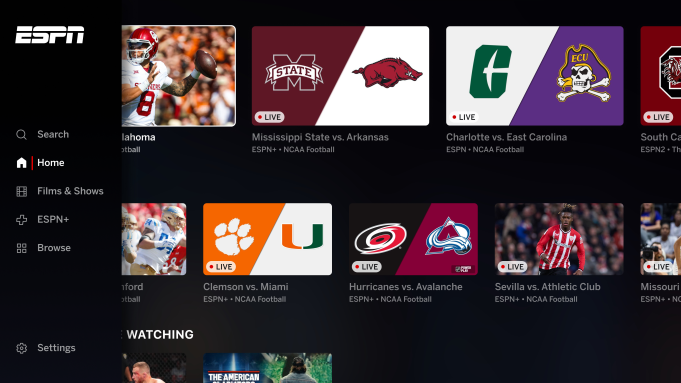
For years, ESPN was only available through cable or satellite TV packages. But as the world has shifted toward streaming, many sports fans are looking for alternative ways to watch ESPN without the hefty price tag of traditional cable. There are several reasons why streaming has become such a popular choice:
- Cost-Effectiveness: Cable packages are often expensive and include many channels you might never watch. Streaming services, on the other hand, can be much more affordable, offering the flexibility to pick only the services and channels you want.
- Flexibility: Streaming gives you the freedom to watch ESPN on various devices — whether you’re using your TV, smartphone, tablet, or computer. This makes it easier to watch on the go or in the comfort of your own home.
- More Control: Without cable, you’re not locked into a long-term contract. Most streaming services operate on a month-to-month basis, so you can cancel or change your plan whenever you like.
Ways to Watch ESPN Without a Cable Subscription
1. ESPN’s Own Streaming Service
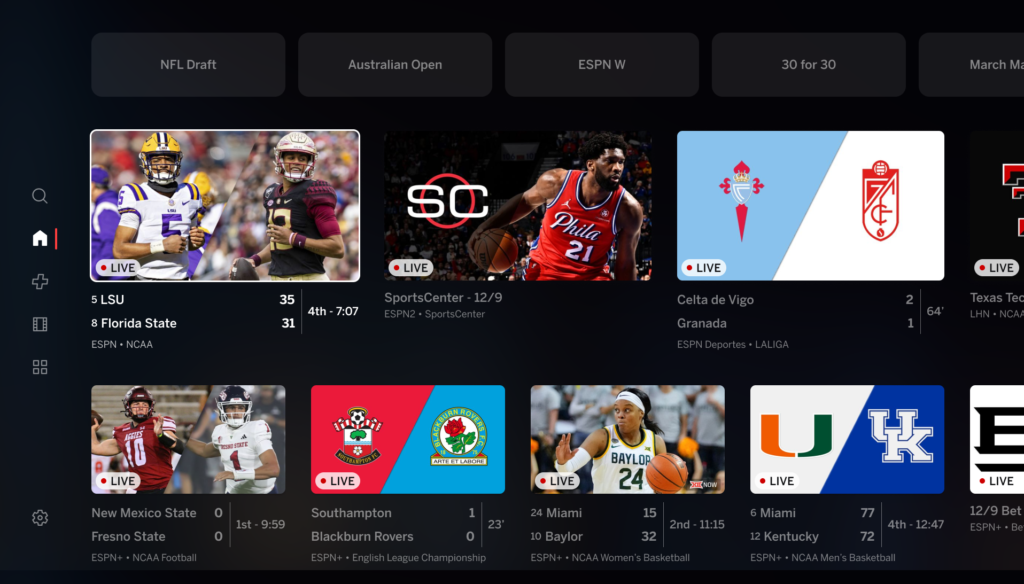
The most direct way to watch ESPN without a cable subscription is through ESPN’s own streaming service, ESPN+ (also known as ESPN Select in some regions). This service is available to anyone with an internet connection, no cable subscription required.
What You Get with ESPN+:
- Live Sports: ESPN+ offers coverage of many live sports, including UFC, MLB, NHL, soccer, and more. It also features exclusive games and matches, particularly for college sports, soccer leagues, and international competitions.
- ESPN Original Content: ESPN+ subscribers can watch exclusive sports documentaries, studio shows, and other original programming that isn’t available on the traditional ESPN channels.
- On-Demand Content: You also get access to an extensive library of sports content, including replays of games, classic matches, and more.
Limitations:
- No Full ESPN Coverage: The biggest catch is that ESPN+ doesn’t offer the same full ESPN channel lineup you’d get with cable. This means that if you’re looking to watch major events like Monday Night Football, NBA games, or the latest sports news from ESPN, you’ll need another option.
- Missing Major Sports Events: ESPN+ doesn’t provide access to some of ESPN’s highest-profile content, such as live NBA, NFL, or MLB games. For that, you’ll need to look at other services.
Cost: ESPN+ typically costs around $10 per month, with a yearly subscription option that provides a discount. There are also bundled deals available with Disney+ and Hulu.
2. Live TV Streaming Services
If you’re looking for a more comprehensive sports viewing experience, several live TV streaming services offer ESPN as part of their channel lineup. These services allow you to access ESPN along with many other live channels, making them a solid alternative to cable.
Hulu + Live TV
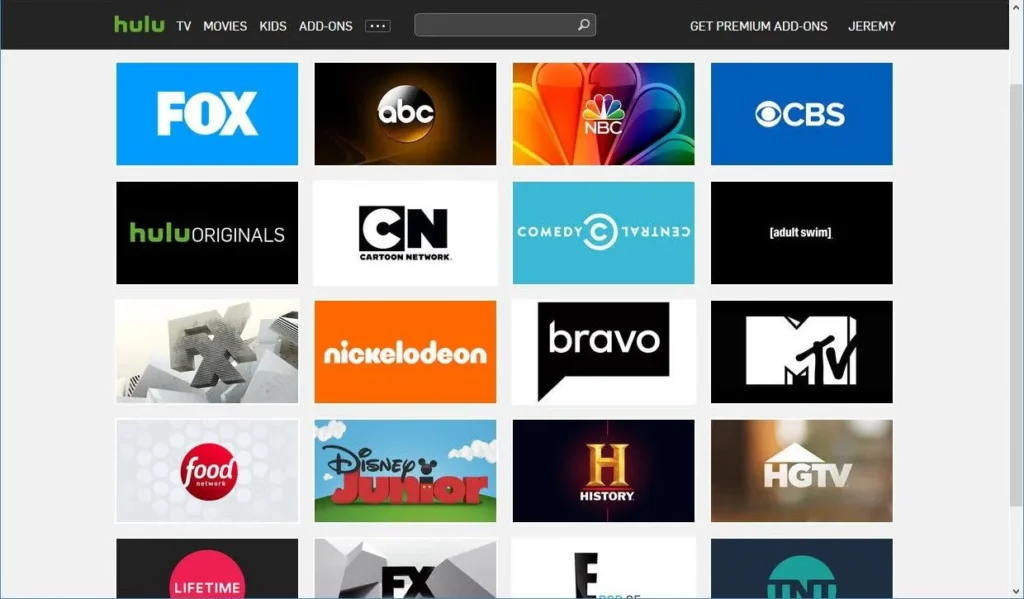
Hulu + Live TV is one of the most popular streaming services that gives you access to ESPN and much more. This service combines the vast on-demand library of Hulu with live TV, including ESPN, ESPN2, ESPNU, and more.
What You Get with Hulu + Live TV:
- ESPN Channels: Full access to ESPN’s live coverage, including sports events, news, and studio shows like SportsCenter.
- DVR: Hulu + Live TV includes cloud DVR, so you can record games and sports events to watch later.
- On-Demand Library: In addition to live sports, you can access Hulu’s vast library of TV shows, movies, and original content.
Cost: Hulu + Live TV starts at $69.99 per month, but it’s worth checking for promotional pricing or bundles with Disney+ and ESPN+.
FuboTV
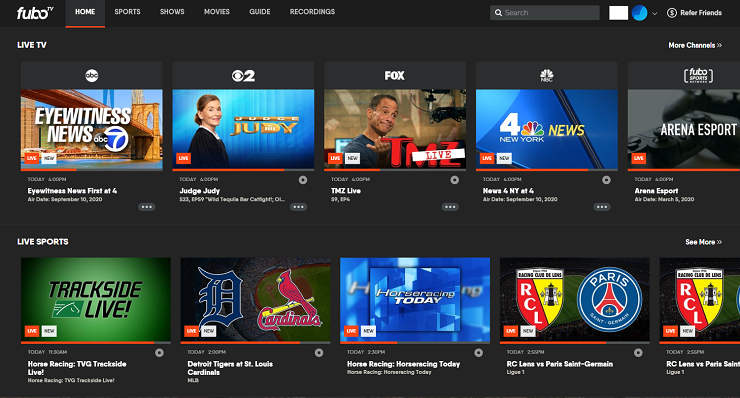
FuboTV is another live TV streaming service that offers a heavy focus on sports. It provides access to ESPN and a large variety of sports channels, making it perfect for sports enthusiasts who want more than just ESPN.
What You Get with FuboTV:
- ESPN Networks: FuboTV includes ESPN, ESPN2, ESPN News, and ESPNU, along with other popular sports channels like FS1, NFL Network, and NBA TV.
- Sports-Focused Content: FuboTV’s channel lineup leans heavily toward sports, making it an excellent option for those who want to follow multiple sports leagues.
- Multiple Streams: FuboTV allows you to stream on multiple devices simultaneously, which is great for families or roommates.
Cost: FuboTV’s base plan starts at $74.99 per month, but the price can vary depending on the package you choose.
Sling TV
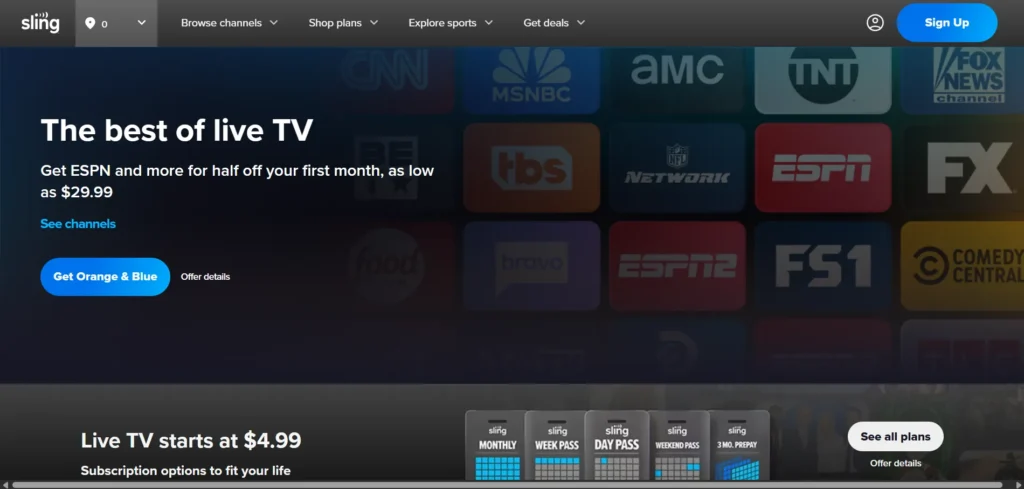
Sling TV is one of the most affordable options for accessing ESPN without cable. The service offers different plans, with the Sling Orange plan providing access to ESPN, ESPN2, and ESPN3.
What You Get with Sling TV:
- Affordable Option: Sling TV’s Sling Orange plan gives you access to ESPN channels for just $40 per month, making it one of the cheapest ways to get ESPN.
- Customizable: Sling TV allows you to add extra channels through add-ons, so you can build your ideal package with more sports, news, or entertainment channels.
Cost: The Sling Orange plan costs $40 per month. However, it’s important to note that Sling TV’s interface isn’t as polished as Hulu or FuboTV, and there’s no cloud DVR available unless you add it to your package.
3. YouTube TV
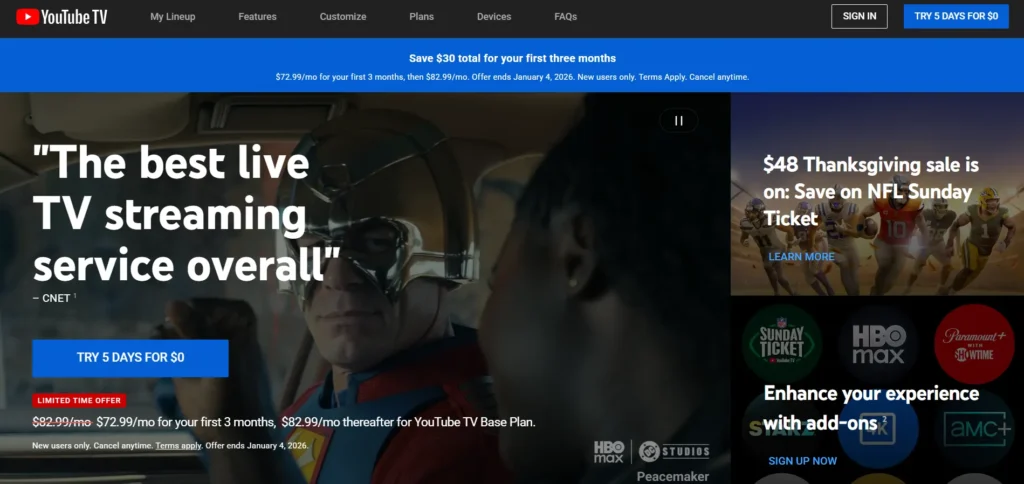
YouTube TV is another option that includes ESPN in its package. It’s a popular choice for people who want to stream live TV, and it comes with a variety of sports channels, including ESPN, ESPN2, ESPNU, and others.
What You Get with YouTube TV:
- Full ESPN Coverage: YouTube TV includes all the major ESPN channels, allowing you to watch everything from college sports to the NFL and NBA.
- Unlimited DVR: YouTube TV includes an unlimited DVR feature, meaning you can record as many shows or games as you like and store them for up to nine months.
- Multiple Streams: YouTube TV allows streaming on three devices at the same time, making it a good choice for households with multiple viewers.
Cost: YouTube TV’s base plan costs $64.99 per month, with additional fees for premium channels and add-ons.
What to Consider When Choosing the Best Option for You
When deciding which method is best for watching ESPN without cable, there are a few key factors to consider:
1. How Much Do You Watch ESPN?
If you’re a casual viewer, ESPN+ might be sufficient, as it provides access to a broad range of sports content, including some live games, but at a lower price than other options.
However, if you’re a dedicated sports fan who wants to watch major events like NFL, NBA, or MLB games, a full live TV streaming service like Hulu + Live TV or FuboTV may be a better fit.
2. Your Budget
Streaming services can range from affordable to quite expensive. If you’re on a tight budget, services like Sling TV offer the most basic access to ESPN for a reasonable price.
On the other hand, if you’re willing to spend more for a comprehensive package, YouTube TV or FuboTV may provide better value with added sports coverage and features.
3. Device Compatibility
Make sure the service you choose is compatible with the devices you use. Most streaming services support a wide range of devices, including smart TVs, smartphones, tablets, and computers.
However, some services may have better apps or interfaces for specific devices, so it’s worth checking before signing up.
Conclusion
There are several ways to watch ESPN without a cable subscription in 2025, with various options for every type of viewer and budget.
Whether you opt for ESPN’s own streaming service or a full-featured live TV streaming service, you can enjoy ESPN content on your terms.
For casual viewers, ESPN+ is a cost-effective way to get exclusive content and sports coverage. For more serious fans, services like Hulu + Live TV, FuboTV, or Sling TV offer the full ESPN experience, with live sports, news, and more.
In the end, the best option depends on how much you watch, what kind of content you want, and how much you’re willing to spend.
The streaming landscape continues to evolve, so take advantage of free trials and special offers to test out different services before committing.
By choosing one of these methods, you can enjoy all the sports action ESPN has to offer without the hassle of a cable subscription!
FAQs
Can I watch ESPN without a cable subscription?
Yes, you can watch ESPN through streaming services like ESPN+, Hulu + Live TV, FuboTV, Sling TV, and YouTube TV, all without the need for a traditional cable subscription.
What’s the cheapest way to watch ESPN?
Sling TV’s Sling Orange plan is one of the cheapest options, starting at $40 per month, and includes ESPN, ESPN2, and ESPN3.
Does ESPN+ include all ESPN channels?
No, ESPN+ offers limited access to sports content, including exclusive events, documentaries, and smaller leagues, but it doesn’t include the main ESPN channels like ESPN, ESPN2, or ESPN News.
Can I watch live sports on ESPN+?
Yes, but only select live sports. ESPN+ covers sports like UFC, soccer, college sports, and other niche sports. Major events like NFL, NBA, or MLB games are not included.
How much does Hulu + Live TV cost?
Hulu + Live TV costs around $69.99 per month and includes full access to ESPN and many other live channels, plus an on-demand library.


