For football fans, NFL season is one of the most exciting times of the year. Whether you’re rooting for your local team or cheering for your fantasy football players, every game is a big deal.
However, finding a way to stream NFL games can sometimes be tricky, especially with so many services available. You need a streaming platform that offers access to key channels like ESPN, FOX, NBC, and NFL Network.
Fortunately, there are several top-tier options available, each with its own pros and cons. In this article, we’ll look at the five best streaming services for NFL fans, breaking down their strengths and weaknesses, so you can make the best decision for your needs.
Our 5 Best NFL Streaming Platforms at a Glance
Streaming NFL games requires access to the right channels. The five platforms we’ll cover below have excellent coverage of NFL games across various networks. From budget-friendly services to premium options, each one offers unique features. Here’s a quick look:
- Sling TV: Affordable and customizable, but limited in local network availability.
- Hulu + Live TV: Great for those who want both sports and entertainment in one package.
- ESPN+: Budget-friendly for fans who want NFL content, but not a complete solution for live games.
- DirecTV Stream: A solid option for football fans who want a traditional TV experience without cable.
- fubo: Excellent sports coverage, particularly for football, but on the pricier side.
1. Sling TV
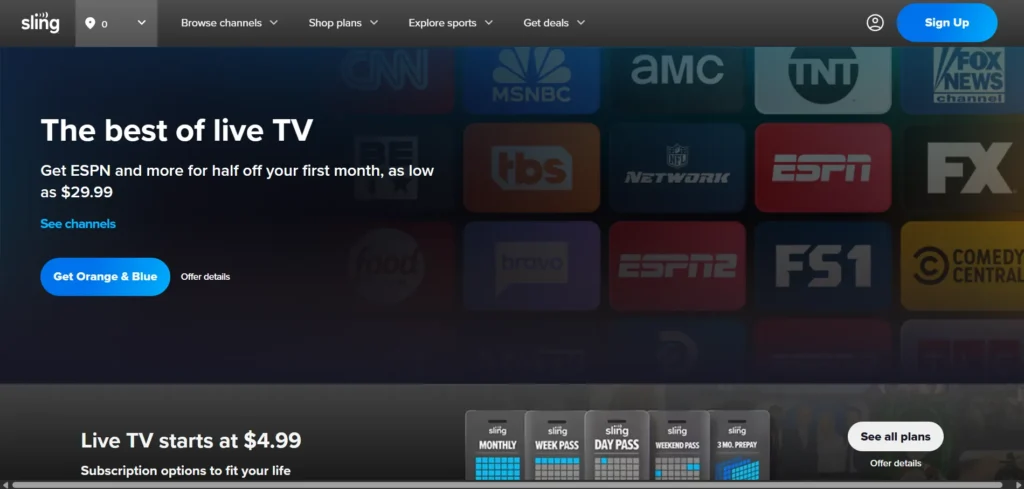
Sling TV is one of the most well-known and affordable streaming platforms available. It offers customizable packages that allow you to pick and choose the channels you want, including sports channels like ESPN, Fox Sports, and NFL Network.
It’s an excellent choice for budget-conscious NFL fans who don’t want to pay for a hefty cable bill.
Pros:
- Affordable: Sling TV’s basic package is one of the most budget-friendly options for streaming NFL games, starting at around $40 per month.
- Customizable: Sling offers two main packages, Sling Orange and Sling Blue, and you can add additional channels like NFL RedZone for extra sports coverage.
- Streaming Flexibility: Sling TV supports a wide range of devices, including smart TVs, streaming sticks, and mobile apps, allowing you to stream on multiple devices.
Cons:
- Limited Local Channels: One of the biggest downsides to Sling TV is that it doesn’t always offer access to local networks in every area. If you’re relying on CBS, ABC, or local NBC channels to watch NFL games, you may need an antenna to pick up these broadcasts.
- No CBS in Many Markets: For many NFL fans, CBS is a crucial channel to watch games like AFC matchups. Unfortunately, Sling TV doesn’t offer CBS in a lot of areas unless you add an antenna.
- Limited DVR Storage: Sling’s DVR options aren’t the best, offering only 50 hours of storage with its basic plan. If you want more space, you’ll need to pay extra for the “Cloud DVR” add-on.
Sling TV is ideal for those who want an affordable way to stream key sports channels but don’t mind a bit of extra setup for local game access.
2. Hulu + Live TV
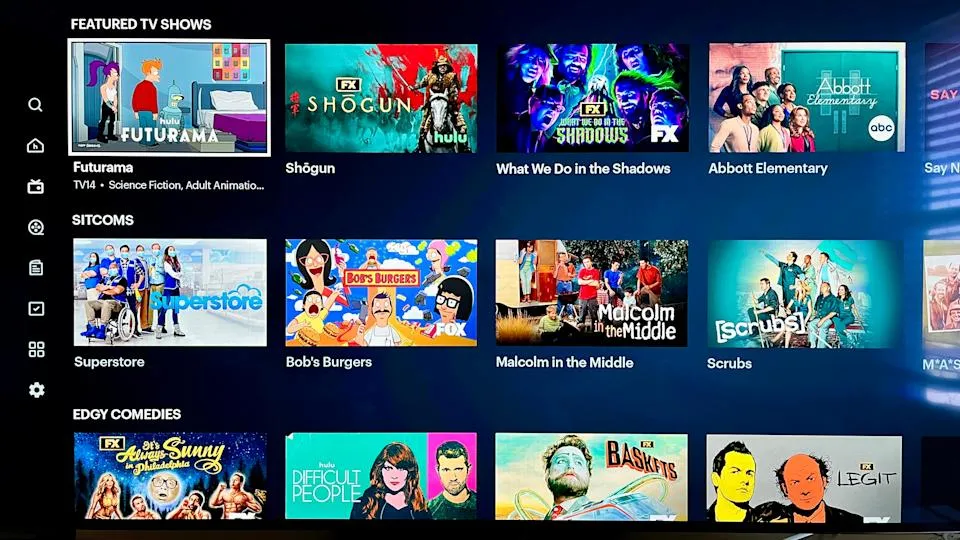
If you’re looking for a streaming service that combines both sports and entertainment, Hulu + Live TV is an excellent choice. It provides access to all the major networks that broadcast NFL games, including CBS, FOX, NBC, and ESPN.
On top of that, you also get Hulu’s massive on-demand library, which is perfect for when you want to watch something else during halftime.
Pros:
- Complete Coverage: Hulu + Live TV offers all the major channels you need to watch NFL games, including CBS, NBC, FOX, and ESPN, in most markets.
- Bundling Options: One of the best things about Hulu + Live TV is that it offers the option to bundle with Disney+ and ESPN+ at a discounted rate. This can be a great deal if you love streaming other content alongside NFL games.
- Unlimited DVR: One of the standout features of Hulu + Live TV is its unlimited DVR. You can record as many NFL games as you like, which is perfect if you tend to miss live games or want to rewatch key moments.
Cons:
- Higher Price: While Hulu + Live TV offers great value for its features, it’s on the pricier side compared to some other services. The base package starts at around $70 per month, which might be more than some are willing to pay.
- Simultaneous Streaming Limits: You only get two simultaneous streams with the standard plan, which could be an issue if multiple people in your home want to watch different games at the same time.
- Complex Interface: While Hulu’s interface has improved over time, some users still find it less intuitive compared to other services.
Hulu + Live TV is a great choice if you want a comprehensive streaming service that offers both sports and other types of entertainment, plus great features like unlimited DVR.
3. ESPN+
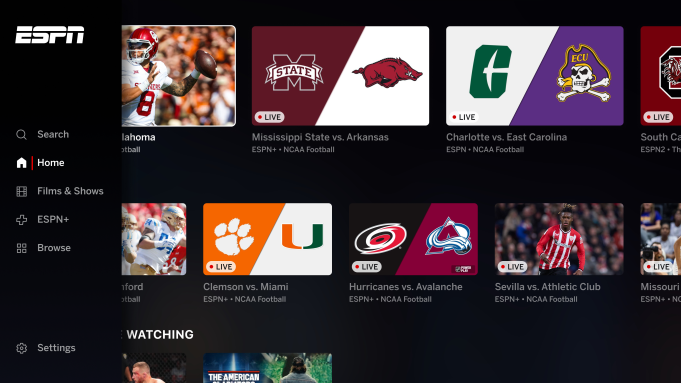
For football fans looking for a budget-friendly option, ESPN+ can be a great addition to your streaming lineup.
While it doesn’t offer full access to every NFL game, it provides exclusive content like Monday Night Football and various NFL-related programming. Additionally, ESPN+ offers great sports coverage for those who are primarily focused on football.
Pros:
- Affordable: ESPN+ is one of the most budget-friendly services available, with a subscription cost of around $10 per month. It’s a great way to add more football content to your streaming setup without breaking the bank.
- Access to ESPN’s Exclusive Content: If you’re an NFL fan, you’ll get access to Monday Night Football, as well as other sports programming and NFL-related shows.
- Bundling Options: ESPN+ is part of the Disney Bundle, which includes Disney+ and Hulu. This is an excellent way to get even more entertainment options along with sports coverage.
Cons:
- Limited NFL Coverage: ESPN+ does not offer live streaming of every NFL game. You’ll need another service for full game access, as it only covers a limited amount of NFL content.
- No Local Channels: ESPN+ doesn’t offer access to CBS, NBC, or other local channels, which means you can miss out on regional games unless you supplement with another streaming service or an antenna.
ESPN+ is a good pick if you’re looking for a cheap option that provides access to some NFL games and sports content. However, it’s not a complete solution for NFL fans who want comprehensive coverage.
4. DirecTV Stream
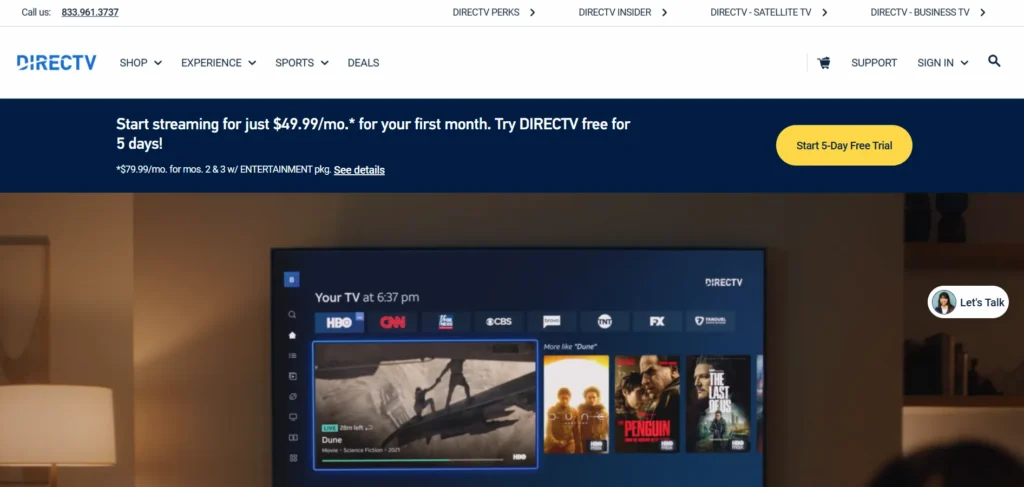
DirecTV Stream, previously known as AT&T TV, offers an experience similar to traditional cable, but through streaming.
It’s a solid option for those who want all the channels needed for watching NFL games, including ESPN, CBS, FOX, and NBC.
Pros:
- Comprehensive Channel Lineup: DirecTV Stream offers a full range of channels, including the NFL Network and local broadcasters in most areas. This makes it a great choice if you’re looking for a service that offers nearly everything you need for NFL game day.
- Unlimited DVR: DirecTV Stream comes with unlimited DVR storage, which is perfect for recording and rewatching games at your convenience.
- Sports Focused: DirecTV Stream has a sports package that includes channels like NBA TV, MLB Network, and NFL RedZone, which is great for fans who want to watch more than just NFL games.
Cons:
- Higher Price: DirecTV Stream is one of the more expensive streaming options, with prices starting at around $75 per month. While it offers a lot of value, it might not be the best choice for budget-conscious viewers.
- Limited Local Coverage: While DirecTV Stream offers local channels, availability can vary depending on your location, and some regional NFL games may not be accessible.
If you’re looking for a cable-like experience with access to every channel you need, DirecTV Stream is a great option, but it comes at a higher price point.
5. fubo
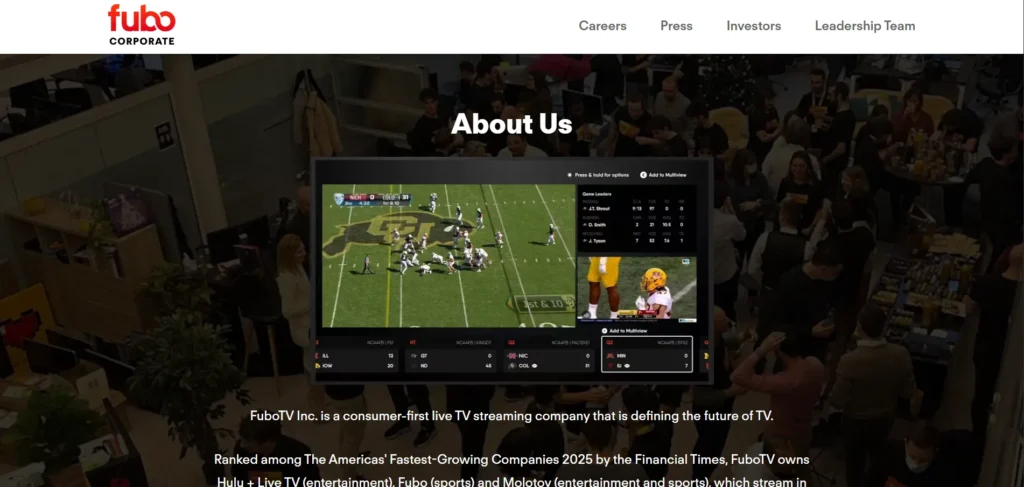
Fubo is a sports-focused streaming service that offers excellent coverage of NFL games, as well as other sports like basketball, soccer, and college football.
It’s perfect for sports enthusiasts who want to stream multiple games without juggling multiple services.
Pros:
- Fantastic Sports Coverage: fubo gives you access to a wide range of sports channels, including CBS, FOX, NBC, ESPN, NFL Network, and RedZone. It’s an ideal service for NFL fans who want extensive coverage.
- Unlimited DVR: Like Hulu + Live TV, fubo offers unlimited DVR storage, allowing you to record as many games as you want without worrying about running out of space.
- User-Friendly Interface: fubo’s interface is easy to navigate, which makes it a great choice for people who want a straightforward streaming experience.
Cons:
- Expensive: fubo is one of the priciest streaming services, with plans starting at $75 per month. It’s a solid option for serious sports fans, but it might not be ideal for those on a tight budget.
- Limited Non-Sports Content: While fubo excels at sports coverage, it doesn’t offer as much in terms of general entertainment. If you want a well-rounded streaming service, you may need to supplement it with another service.
fubo is a top choice for sports fans who want comprehensive NFL coverage and don’t mind paying a premium price.
5 Tips for the Ultimate NFL Fan Experience
Watching NFL games is an experience, not just a pastime. Here are some tips to enhance your game day.
1. Ensure Everyone Has Seating Space
Comfort is key. Arrange your seating so that everyone has enough space to enjoy the game. Whether it’s recliners, couches, or extra chairs, make sure your living room or viewing area is set up for comfort.
2. Indulge in Team Spirit
Decorate with your team’s colors, jerseys, and banners. Whether you’re hosting a party or watching solo, the right team spirit helps get everyone into the game.
3. Have Plenty of Snacks
Stock up on your favorite game day snacks like chips, dips, wings, and pizza. The more, the better!
4. Provide a Game Bar for Drinks
Make sure there’s a place where people can grab drinks, whether it’s soda, beer, or cocktails. Setting up a small bar or drink station adds to the fun.
5. Consider Playing Fantasy Football
If you’re into fantasy football, get everyone involved in a league. It adds extra excitement to every game, even those that aren’t part of your team’s schedule.
How to Maximize the Streaming Experience
To ensure the best possible streaming quality and make the most of your NFL viewing, here are a few tips for optimizing your experience.
Optimize Your Internet and Bandwidth Usage
Make sure your internet connection is fast and stable to avoid buffering during crucial moments. Consider upgrading your internet plan if you plan on streaming high-definition games.
Utilize a VPN
If you’re traveling abroad and want to access NFL games, consider using a VPN. A VPN lets you access content as if you’re in the United States, bypassing geographic restrictions.
Host a Virtual Watch Party
For friends and family who are far away, a virtual watch party can bring everyone together. You can use apps like Zoom, Google Meet, or even dedicated services to sync up streams and chat during the game.
Stream the NFL: Cheer On from Your Home
In today’s streaming era, cable is no longer required to catch every exciting moment of the NFL season. Platforms like Sling TV, Hulu + Live TV, ESPN+, DirecTV Stream, and fubo provide you with the access to watch your favorite teams, exclusive NFL content, and elevate your game day experience—without ever leaving your house.
Whether you’re throwing a game day party or watching solo, these streaming services give you the flexibility and coverage you need to support your team from the opening kickoff to the final whistle.
With a few simple tips to improve the experience, you’ll be able to create the perfect NFL viewing setup, making every game feel like an unforgettable event.
So, stock up on snacks, invite your friends, and get ready to enjoy all the excitement the NFL has to offer, all from the comfort of your living room.