
Over the past decade, the way we watch TV has dramatically changed. Cable and satellite TV subscriptions, once the norm for households across the globe, are now being replaced with streaming services.
Cutting the cord—canceling your traditional cable or satellite subscription in favor of streaming—has become a popular trend.
This shift isn’t just about saving money; it’s about gaining control over what you watch, when you watch it, and how much you spend.
In this article, we will explore everything you need to know about cutting the cord and switching to streaming.
From the benefits and challenges of making the switch to selecting the right streaming services and devices, this guide will help you take the plunge into the world of streaming TV.
What Does “Cutting the Cord” Mean?
Cutting the cord means canceling your traditional cable or satellite TV service and replacing it with internet-based streaming services.
Instead of paying for a hefty cable package with channels you may never watch, you can choose to pay for streaming platforms that offer only the content you want. This shift gives you more control over your entertainment options while cutting out unnecessary costs.
When you cut the cord, you’ll rely on the internet to stream shows, movies, news, and sports. This change in how we consume television is sometimes referred to as “cord cutting” or “over-the-top” TV.
Why Are People Cutting the Cord?
There are several reasons why people are making the switch to streaming:
1. Cost Savings
Cable bills are notorious for being expensive. The average American household spends around $100 to $200 per month on cable TV, with costs rising annually due to fees and hidden charges.
Streaming services, on the other hand, tend to be much more affordable. Depending on the services you choose, you can spend anywhere from $10 to $60 per month.
2. Flexibility
With traditional cable, you’re often tied to a schedule. If you miss a show or a game, you have to wait until it’s available on-demand or recorded on your DVR.
With streaming, you can watch what you want when you want it. Whether it’s binge-watching an entire season or catching up on the latest movies, streaming platforms allow you to enjoy content on your own terms.
3. Better Content Selection
Streaming platforms like Netflix, Hulu, Amazon Prime Video, and others have large libraries of movies, TV shows, and original programming. In fact, many streaming services offer exclusive content you can’t find on cable TV.
Whether you’re into documentaries, dramas, or niche genres, there’s a streaming service for everyone.
4. Avoiding Long-Term Contracts
Unlike cable, which often locks you into long-term contracts, most streaming services offer month-to-month subscriptions. This flexibility allows you to cancel at any time without penalties or fees.
5. Multiple Devices
Streaming is incredibly versatile. You can watch on a smart TV, laptop, tablet, smartphone, or streaming device like Roku, Apple TV, or Amazon Fire Stick. You can start watching on your TV, pause it, and continue watching on your phone when you’re on the go.
What You’ll Need to Cut the Cord
Making the switch from cable to streaming isn’t difficult, but you’ll need a few essential things to get started.
1. A Stable Internet Connection
Streaming relies on a strong internet connection, especially if you want to watch content in HD or 4K. If you already have an internet plan, check the speed.
A minimum of 25 Mbps is recommended for high-quality video streaming. If you want to stream on multiple devices at once, you may need even faster speeds. If your internet service isn’t up to par, consider upgrading to a higher-speed plan before making the switch.
2. A Streaming Device
Most modern smart TVs come with built-in streaming apps for services like Netflix, Hulu, and YouTube. However, if your TV is not a smart TV, you can still stream using devices such as:
- Roku: A popular and affordable streaming device with a variety of streaming services available.
- Amazon Fire TV: A device that integrates well with Amazon services, but also supports many third-party streaming platforms.
- Apple TV: A more expensive option, but it’s known for seamless integration with Apple products and services.
- Google Chromecast: Allows you to stream content from your phone or computer to your TV.
If you already have a smart TV, you may not need an additional device. But if you don’t, or if your TV isn’t “smart,” adding one of these devices will enable you to stream with ease.
3. Streaming Subscriptions
Once you have the right internet connection and device, you’ll need to subscribe to streaming services. There are dozens of services available, so how do you know which ones are best for you?
Choosing the Right Streaming Services
There’s no single streaming service that will satisfy everyone’s needs. The best choice depends on what you like to watch. Here’s a breakdown of some of the most popular streaming services and what they offer.
1. Netflix
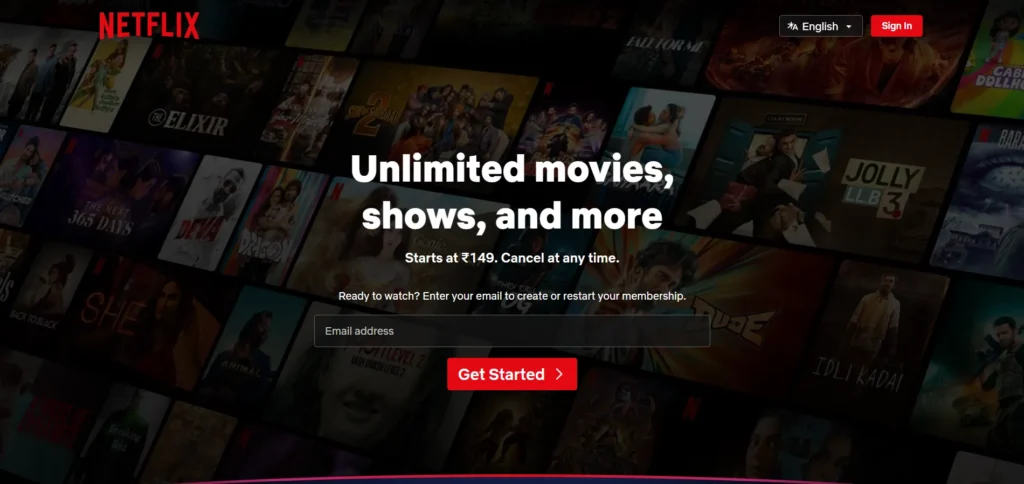
Netflix is the pioneer of the streaming world and remains one of the most popular platforms. It offers a wide variety of TV shows, movies, documentaries, and original programming. With Netflix, you can stream on multiple devices, and its library is always updated with new content.
2. Hulu
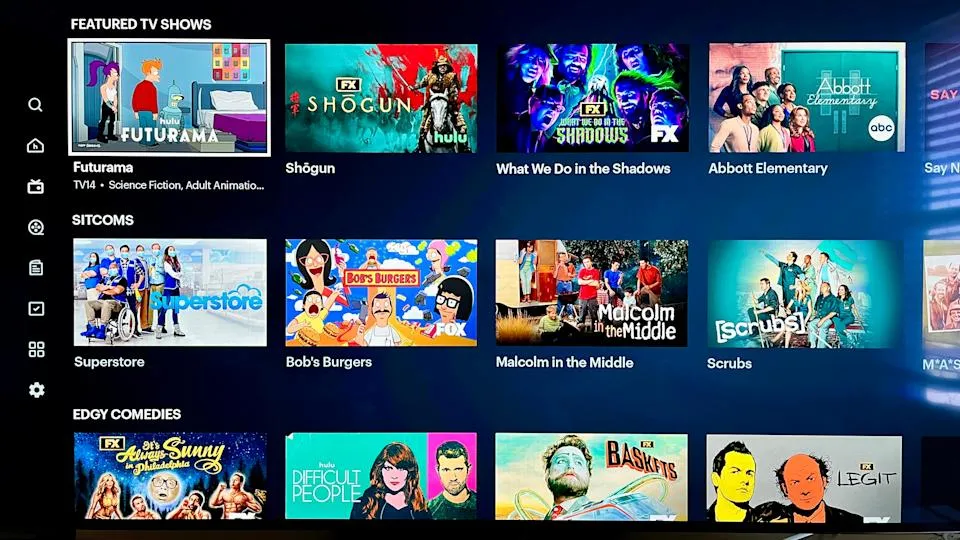
Hulu is another major player in the streaming world. It offers a mix of TV shows, movies, and original programming.
One of the standout features of Hulu is its access to current episodes of many popular network TV shows. You can even bundle it with Disney+ and ESPN+ to access more content, especially if you’re a fan of Disney, Marvel, or sports.
3. Amazon Prime Video
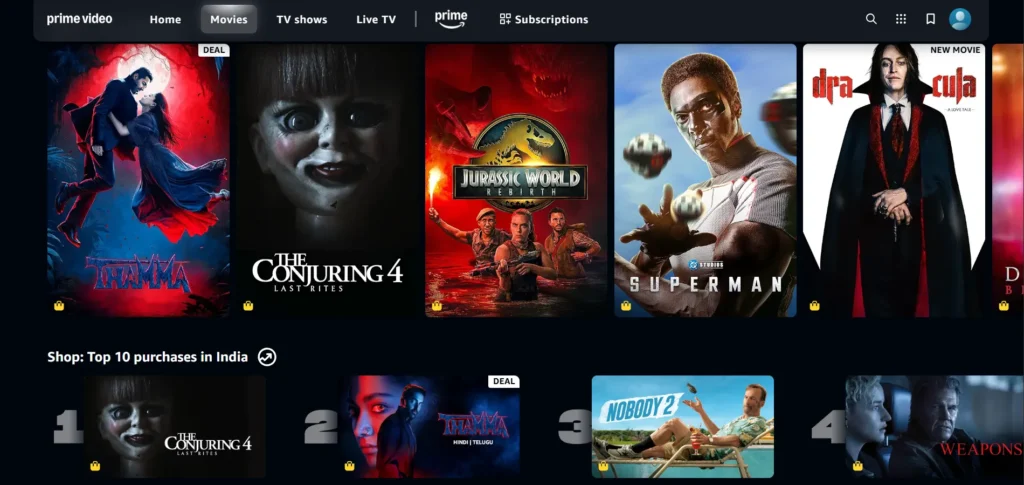
If you’re already an Amazon Prime member, you get access to Amazon Prime Video as part of your subscription.
This service includes a large selection of movies, TV shows, and Amazon Originals. Plus, it integrates well with Amazon’s other services, like Alexa and Amazon Fire TV.
4. Disney+
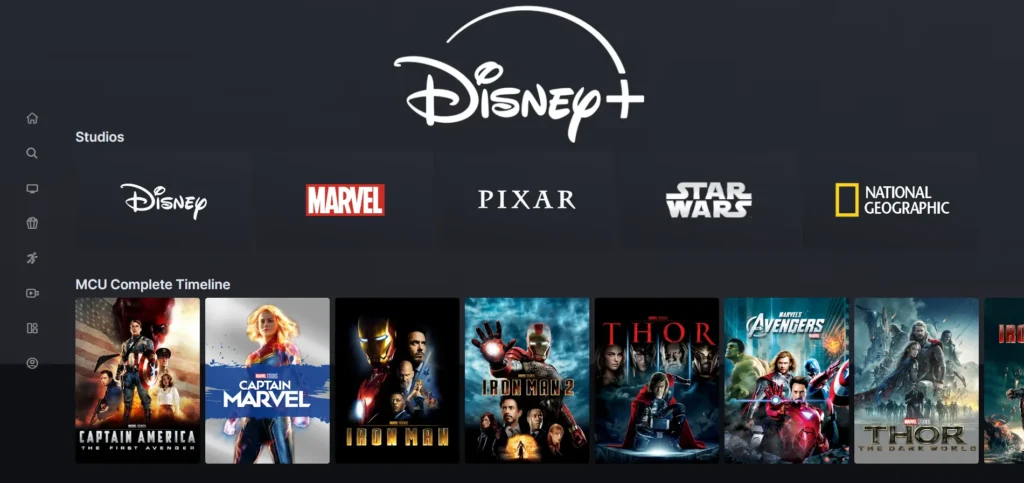
For fans of Disney, Marvel, Star Wars, and Pixar, Disney+ is a great choice. The service includes not only classic Disney movies and cartoons but also exclusive content from Marvel Studios, Star Wars, and National Geographic.
5. Apple TV+
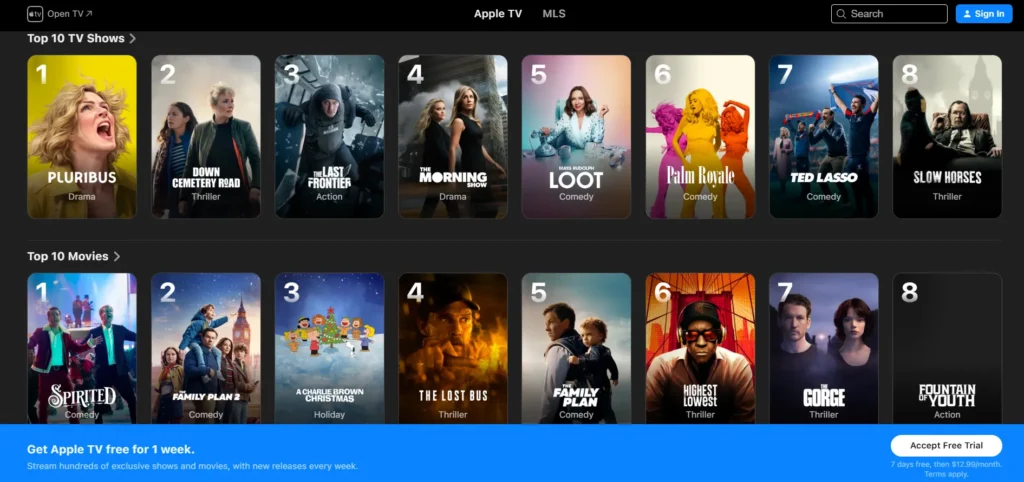
Apple TV+ is Apple’s entry into the streaming world. While its library is not as vast as some of the others, it’s growing rapidly with high-quality original programming and movies. If you’re an Apple user, the integration with Apple devices is seamless.
6. Live TV Streaming Services
If you’re used to watching live TV like news, sports, or reality shows, there are several services that offer live streaming options, including:
- Sling TV: A budget-friendly service that offers live TV and a selection of channels.
- YouTube TV: Offers live TV, news, sports, and popular cable channels. It’s one of the most comprehensive live TV options available.
- Hulu + Live TV: Combines Hulu’s on-demand service with live TV channels.
- fuboTV: Best for sports fans, offering a wide range of live sports channels.
Pros and Cons of Cutting the Cord
While cutting the cord has its advantages, it’s important to weigh the pros and cons before making the switch.
Pros:
- Lower Costs: As mentioned earlier, streaming is generally more affordable than traditional cable.
- More Control: You choose exactly what to watch and when.
- Flexibility: With month-to-month subscriptions, you can cancel at any time without penalty.
- Variety: Streaming services offer a massive selection of content, often with exclusive shows and movies.
- No Contracts: You won’t be tied to long-term contracts or hidden fees like cable services.
Cons:
- Internet Dependency: If your internet goes down, so does your access to streaming.
- Missing Channels: You may not have access to every channel or show you had with cable.
- Multiple Subscriptions: If you subscribe to several services, costs can add up, and you might end up paying as much as you did for cable.
- Regional Restrictions: Some services may not be available in your region, or certain content might be blocked.
How to Transition From Cable to Streaming
Making the jump from cable to streaming can be overwhelming at first. But with the right planning, it can be a seamless transition. Here are the steps to cut the cord:
Step 1: Analyze Your Viewing Habits
Think about what you watch most often. Are you a movie lover? A sports fan? A news junkie? This will help you determine which services are best for you.
For instance, if you love sports, you may want a live TV streaming service like fuboTV, while a movie lover might enjoy Netflix or Hulu.
Step 2: Choose Your Internet Plan
Ensure your internet speed can handle streaming. Ideally, aim for a plan that offers speeds of 25 Mbps or more if you want to stream in HD or 4K.
If you have multiple devices that will be streaming at the same time, you may need an even faster connection.
Step 3: Get the Right Streaming Devices
Make sure your TV or device is ready for streaming. You may need to purchase a smart TV or a streaming device, such as Roku or Amazon Fire Stick, if you don’t already have one.
Step 4: Subscribe to Streaming Services
Pick the services that align with your interests and needs. Consider starting with one or two services and then expanding as you go.
Step 5: Cancel Your Cable Subscription
Once you’ve set up your streaming services and devices, it’s time to cancel your cable subscription. Be sure to check for any cancellation fees or remaining contract obligations.
Final Thoughts
Cutting the cord and transitioning to streaming can significantly enhance your TV viewing experience, offering you flexibility, control, and potentially saving you money.
Unlike traditional cable, streaming services give you the freedom to choose exactly what you want to watch, when you want to watch it, and on the device of your choice. No more long-term contracts, hidden fees, or paying for channels you don’t use.
However, before making the switch, it’s crucial to understand that while streaming offers a lot of advantages, it may not be a one-size-fits-all solution.
The success of cutting the cord depends largely on your internet connection and how much content you consume. If you’re a fan of live TV, sports, or niche channels, you’ll need to carefully select the right streaming services that cater to your needs.
It’s also essential to evaluate the costs of multiple subscriptions, which can sometimes add up to the same amount as a traditional cable bill if you’re not careful.
Despite these challenges, the flexibility, cost savings, and expanded content libraries make streaming an appealing choice for many.
With the right combination of services and devices, you can create a tailored entertainment experience that works for you. So, if you’re ready to take control of your TV viewing, cutting the cord and switching to streaming is a move worth considering.
Just make sure to plan ahead to ensure it fits your lifestyle and viewing habits perfectly.
FAQs
What does “cutting the cord” mean?
Cutting the cord means canceling your cable or satellite TV subscription and using streaming services instead.
Do I need high-speed internet for streaming?
Yes, you need a stable internet connection with speeds of at least 25 Mbps for smooth HD or 4K streaming.
What streaming services should I choose?
It depends on your preferences. Some popular choices are Netflix, Hulu, Amazon Prime Video, and Disney+. You can mix and match based on what you like to watch.
Can I watch live TV with streaming?
Yes, services like Hulu + Live TV, Sling TV, and YouTube TV let you watch live TV, including news and sports.
Is streaming cheaper than cable?
Generally, yes. Streaming is usually cheaper than cable, but if you subscribe to multiple services, costs can add up and become similar to a cable bill.


